Image DPI CheckerFree
Check if an image has enough resolution to print sharp at your trim size (300 DPI rule).
Free for Duhi members
Create a free account (takes 30 seconds) to use this tool and all 13 free KDP tools, plus the member community.
How it works: effective DPI = image pixels ÷ printed inches. A 1800 × 2700 px image on a 6 × 9 in page is exactly 300 DPI. KDP asks for images of at least 300 DPI. Below about 200 DPI, prints usually look visibly soft or pixelated (a common rule of thumb, not a KDP rule).
Metadata DPI does not matter. The “72 DPI” or “300 DPI” tag stored in a file is only a hint for software. Changing it does not add detail. What counts is the pixel count compared to the print size. Upscaling a small image adds pixels but not real sharpness, so it is better to export or regenerate at the right size.
Bleed: for images that run to the edge of an interior page, KDP adds 0.125" to the width and 0.25" to the height (e.g. 6 × 9 becomes 6.125 × 9.25).
Make your next book faster
Prompt packs and AI tools from Duhi for KDP creators.
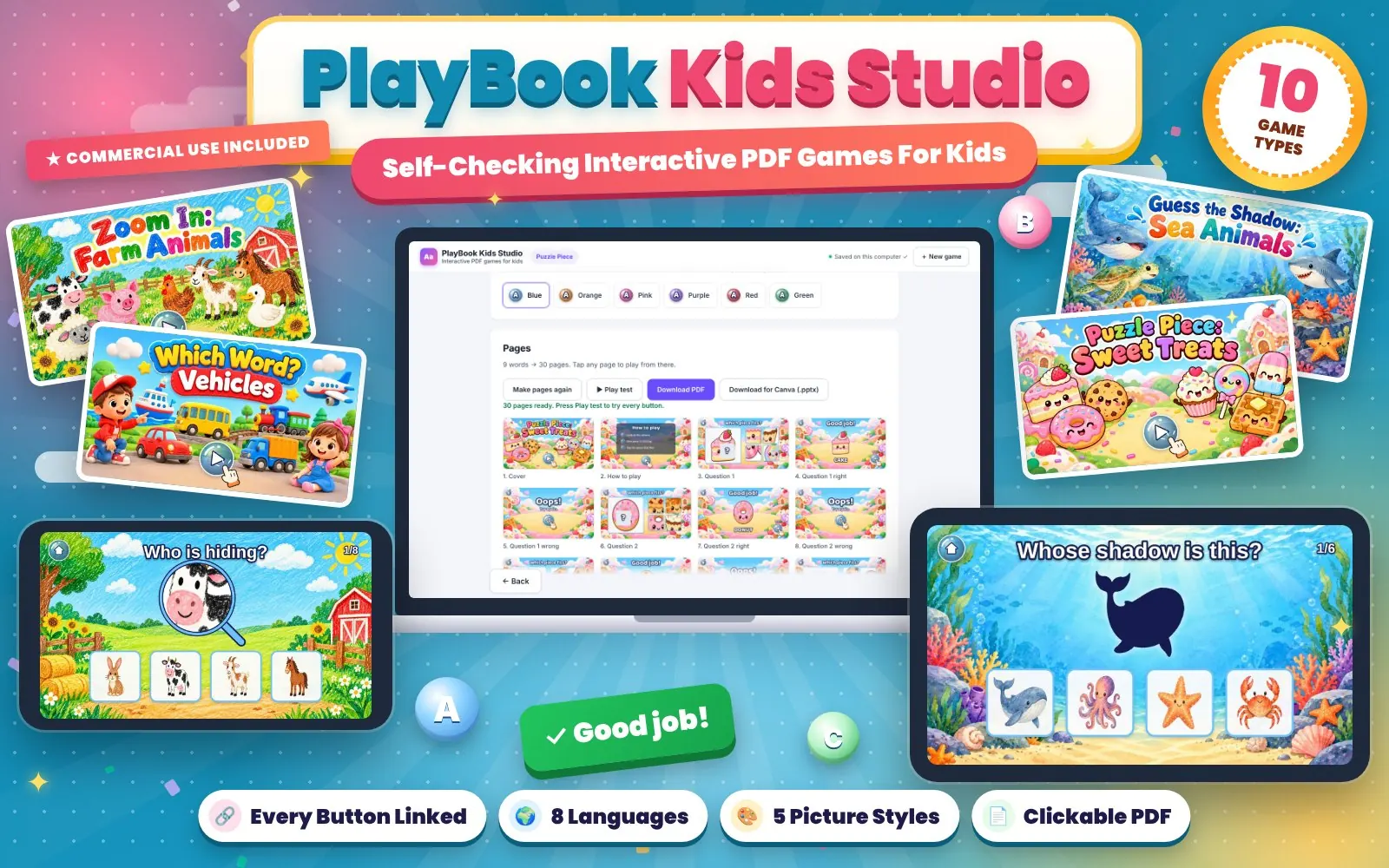
Turn any topic into a self-checking, no-prep interactive PDF learning game for kids. 10 game types, 8 languages, one-time payment.
See details →


