Upload to KDP Without Rejections
Set up your paperback interior, cover and proof the right way, so KDP accepts your book the first time.
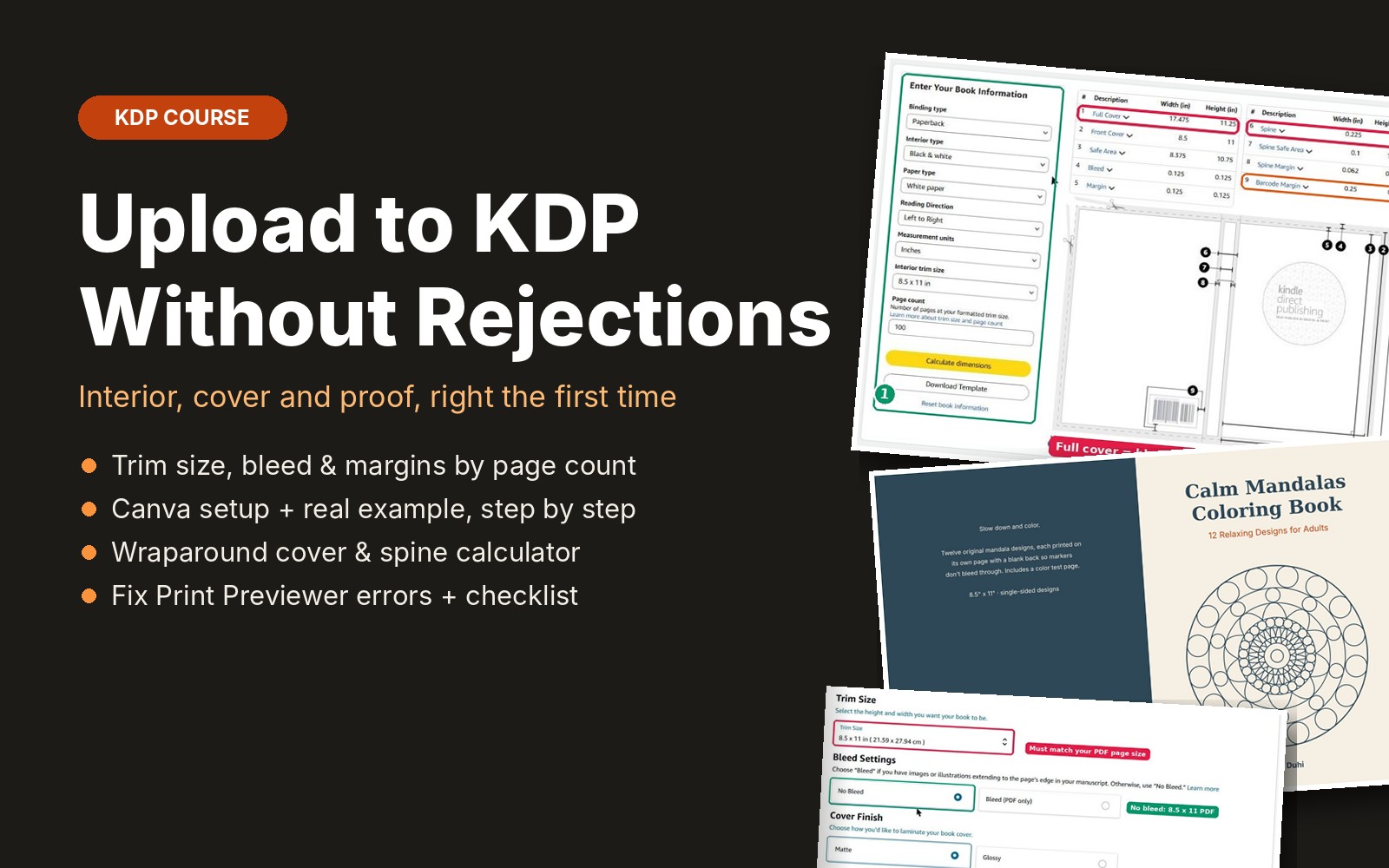
Making the pages is the fun part. Then KDP flags content outside the margins, the cover is the wrong width, or the proof arrives with the art cut off, and each fix costs days. This course explains the rules behind those errors so you set up your files correctly before you upload: trim size, bleed, margins by page count, 300 DPI images, fonts, line thickness, the wraparound cover and spine, Print Previewer, and proof copies. Every measurement comes from the official KDP Help Center, with screenshots of KDP's own help pages and Cover Calculator, plus built-in page-size, DPI and spine calculators.
What you get
- 9 short lessons with screenshots of KDP's official help pages, the Cover Calculator and Canva
- Trim size, ink, paper and page-count limits, and whether your book counts as low-content
- Page size with bleed and minimum margins by page count, with a built-in calculator
- 300 DPI image checker, font embedding and minimum line thickness
- Step-by-step Canva setup: page size, safe-area guides and the right PDF export settings
- Wraparound cover and spine width calculator using KDP's published formula
- The 10 errors new publishers hit most in Print Previewer, and how to fix each one
- A real 32-page coloring book taken through every step, including each screen of KDP's paperback setup
- Pre-upload checklist that saves your progress
Questions
Is this for paperbacks or eBooks?
Paperbacks. Hardcovers follow similar rules, but this course focuses on paperback interiors and covers.
Where do the numbers come from?
The KDP Help Center as of October 2026. Each lesson names the official page to recheck, because KDP updates its rules from time to time.
Do I need special software?
No. The rules apply whatever you design with. If you use Duhi's Coloring Book Builder or Puzzle Book Generator, this course shows you how to check their output before upload.
Is it included in the membership?
Yes. All-Access members get this course and every new course we add.