Low-Content Interiors in Canva
Build journal, log book and planner interiors in Canva that pass KDP's checks, and test the PDF before you upload.
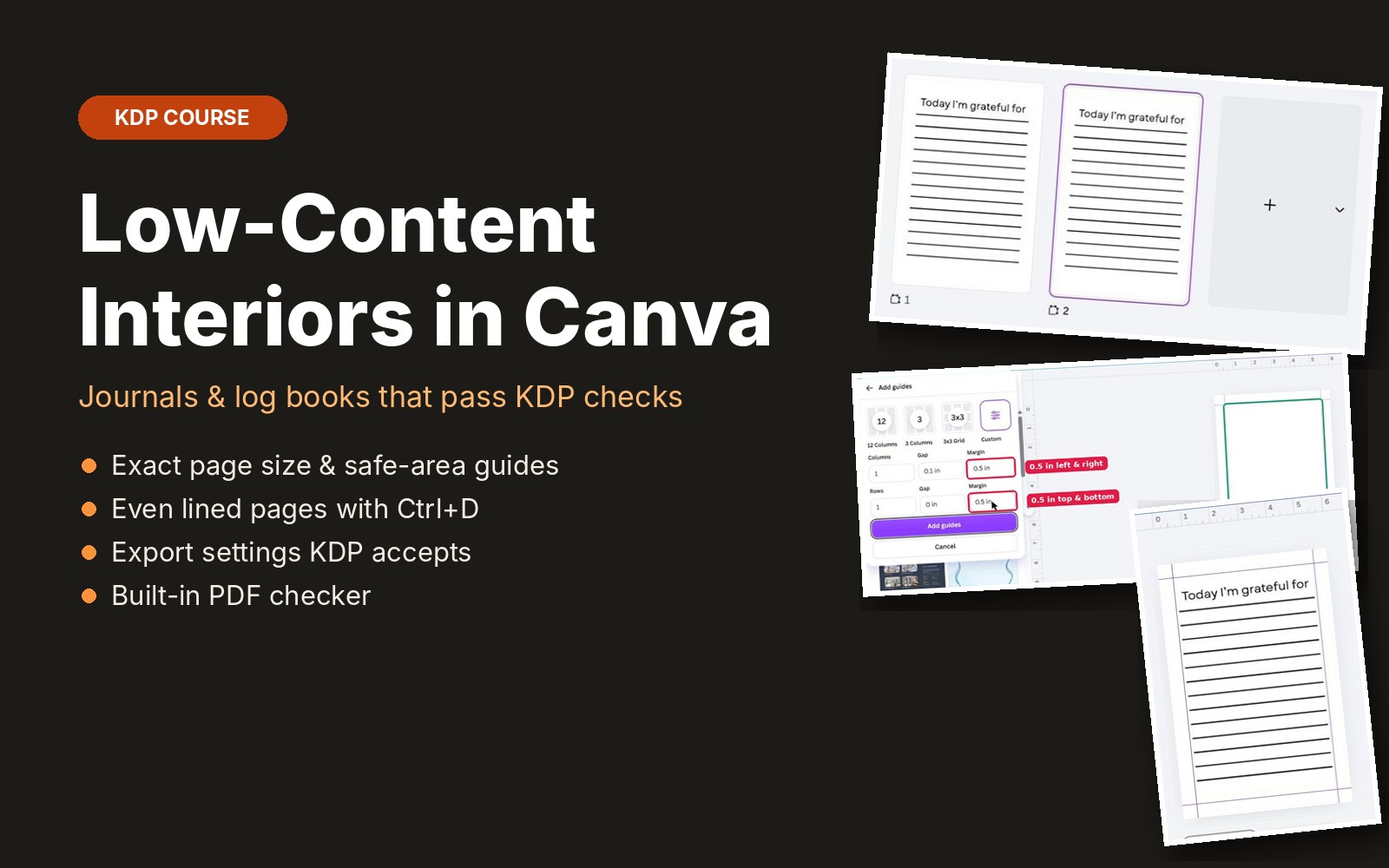
Low-content books are simple to design but the setup has to be exact. This course builds a real gratitude journal page in Canva step by step: the right page size, safe-area guides that cover KDP's margin rules, evenly spaced lines with exact positions, duplicating pages into a full book, and the PDF export settings KDP accepts. It also covers what KDP counts as low-content and what changes when you tick that box, including ISBN options and the barcode area. A built-in PDF checker reads your file in the browser and confirms the page size and page count before you upload.
What you get
- 8 short lessons with step-by-step Canva screenshots
- What KDP counts as low-content and what the checkbox changes
- Page size and 0.5 inch safe-area guides that cover KDP margins up to 300 pages
- Evenly spaced lined pages using Ctrl+D and the Position panel
- Turning one page into a full book, with page-count and blank-page rules
- PDF Print export settings: no crop marks, flattened
- Built-in PDF checker for page size and page count
- Low-content upload tips and checklist
Questions
Do I need Canva Pro?
No. Every step in the course works with a free Canva account.
Is my PDF uploaded when I use the checker?
No. It is read in your browser and never sent to our server.
Can I use this for 8.5 x 11 planners?
Yes. The same steps work for any trim size; the course shows where to change the numbers.
Is it included in the membership?
Yes. All-Access members get this course and every new course we add.