Book Covers That Sell
Design for the small picture shoppers actually see, and test any cover at search-result size before you publish.
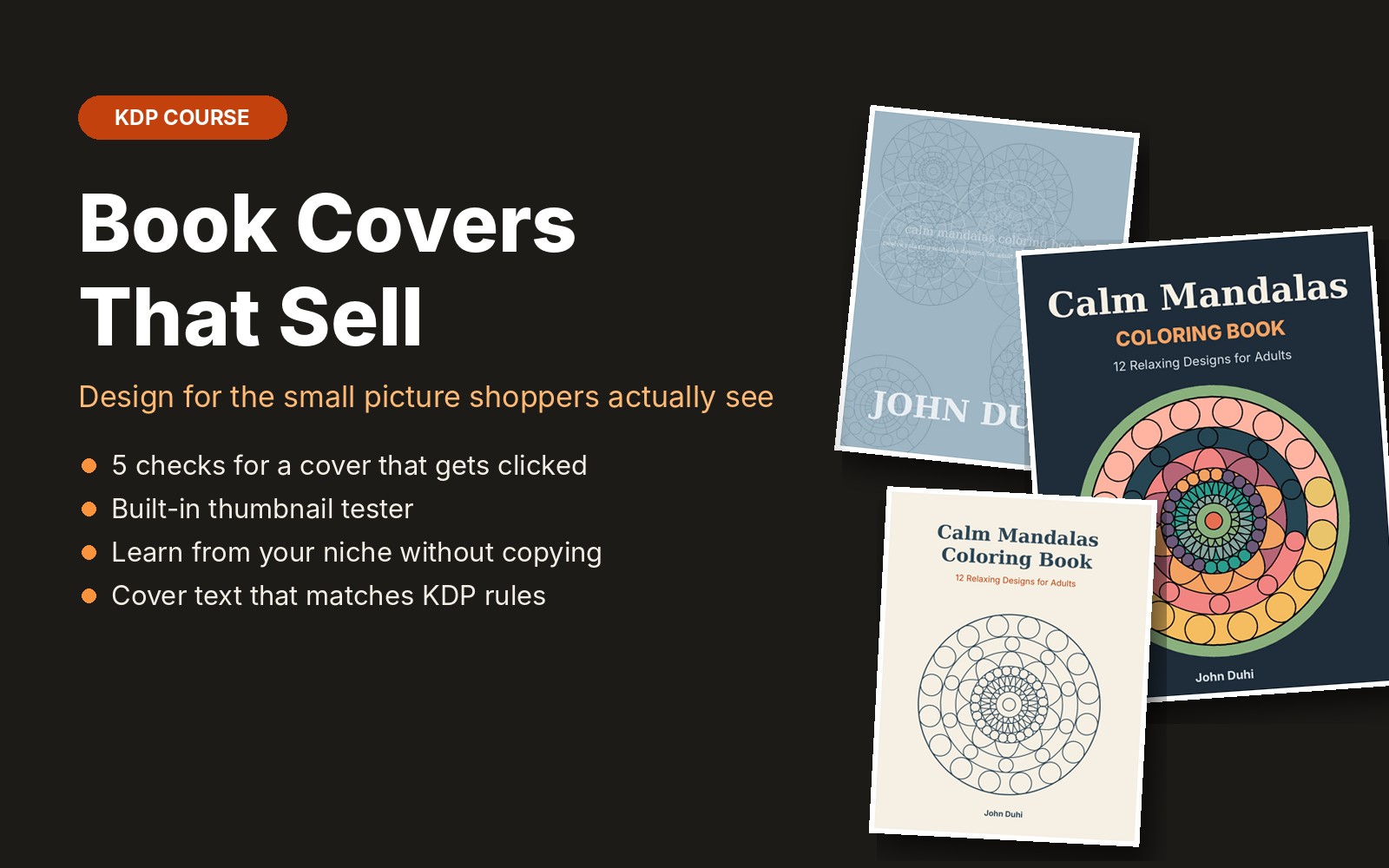
Shoppers see your cover as a small picture next to many others, often on a phone. This course shows one coloring book with three covers, from busy and hard to read to clear and clickable, and explains the five checks that make the difference: genre fit, one focal image, a title you can read small, contrast, and a clear audience cue. A built-in thumbnail tester shows your cover at search-result sizes and in grayscale, side by side with a competitor, right in your browser. You will also learn how to follow your niche without copying, and how to keep cover text within KDP's rules.
What you get
- 6 short lessons with before-and-after covers
- Where shoppers really see your cover, with Amazon search screenshots
- 5 checks: genre fit, focal image, readable title, contrast, audience cue
- Grayscale contrast test
- Built-in thumbnail tester with side-by-side competitor view
- How to study the top 10 covers in your niche without copying
- Cover text that matches your KDP metadata
- Cover checklist that saves your progress
Questions
Do I need design software?
No. The checks work with any tool, including Canva. The thumbnail tester runs in your browser.
Are my covers uploaded anywhere when I use the tester?
No. The images stay in your browser and are never sent to our server.
Does it cover the technical setup (spine, bleed, barcode)?
That is in the Upload to KDP Without Rejections course. This one is about design that sells.
Is it included in the membership?
Yes. All-Access members get this course and every new course we add.