A+ Content & Detail Pages That Sell
Write a description that passes review, plan and build A+ Content, and set up Author Central, so your book page does the selling.
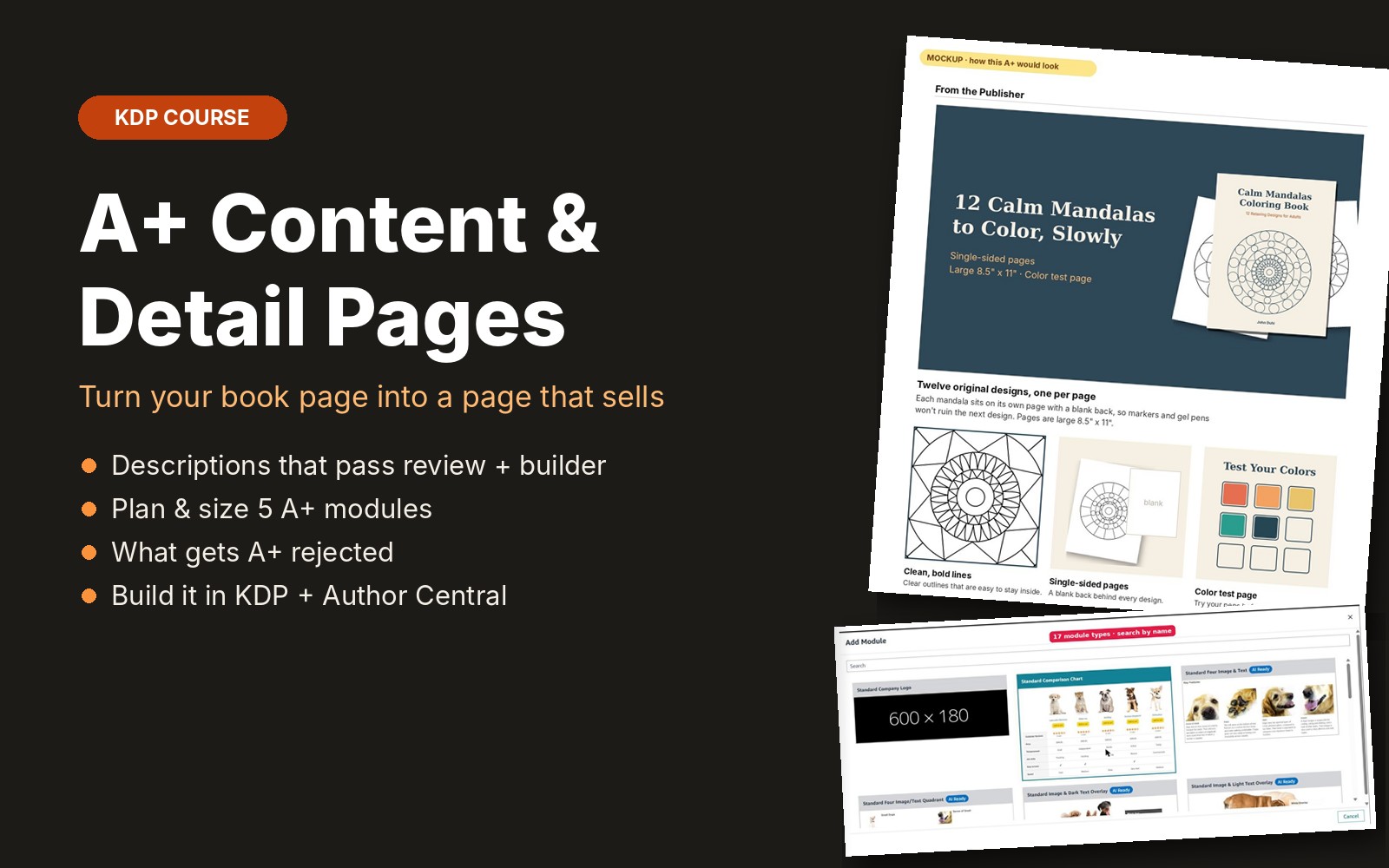
Your Amazon book page does the selling. This course shows you which parts of the page you control and how to use each one well: a clear description with clean formatting, five A+ Content modules that show what is inside your book, and an Author Central page readers can follow. Every rule comes from the official KDP Help Center, with screenshots of a real KDP account and a worked example for an adult coloring book. A built-in description builder writes the HTML for you, counts characters and flags words that often break the rules.
What you get
- 9 short lessons with screenshots of KDP's A+ Content Manager and a real Amazon book page
- Description builder: clean HTML, character count and rule warnings
- KDP description rules: 4,000 characters, supported tags and what is not allowed
- Where A+ lives, who can use it and how long review takes
- A 5-module A+ layout for activity and coloring books, with image sizes
- The content that gets A+ rejected, with safer rewrites
- Step-by-step build and submit in the A+ Content Manager
- Author Central setup and a bio template
- Detail page checklist that saves your progress
Questions
Can I add A+ before my book is published?
No. KDP only allows A+ Content on published books (pre-orders count). You can plan and design everything first and add it on launch day.
Do I need design software?
No. The course shows the exact sizes and a simple Canva setup. Any tool that exports JPG or PNG works.
Does A+ work for low-content books?
The A+ help pages do not exclude them, and KDP suggests A+ as a way to show interior pages when Look Inside is not available.
Is it included in the membership?
Yes. All-Access members get this course and every new course we add.