Coloring Book Builder
Turn your coloring pages into one print-ready KDP interior PDF: blank backs, title page, copyright page and more, in a few clicks.
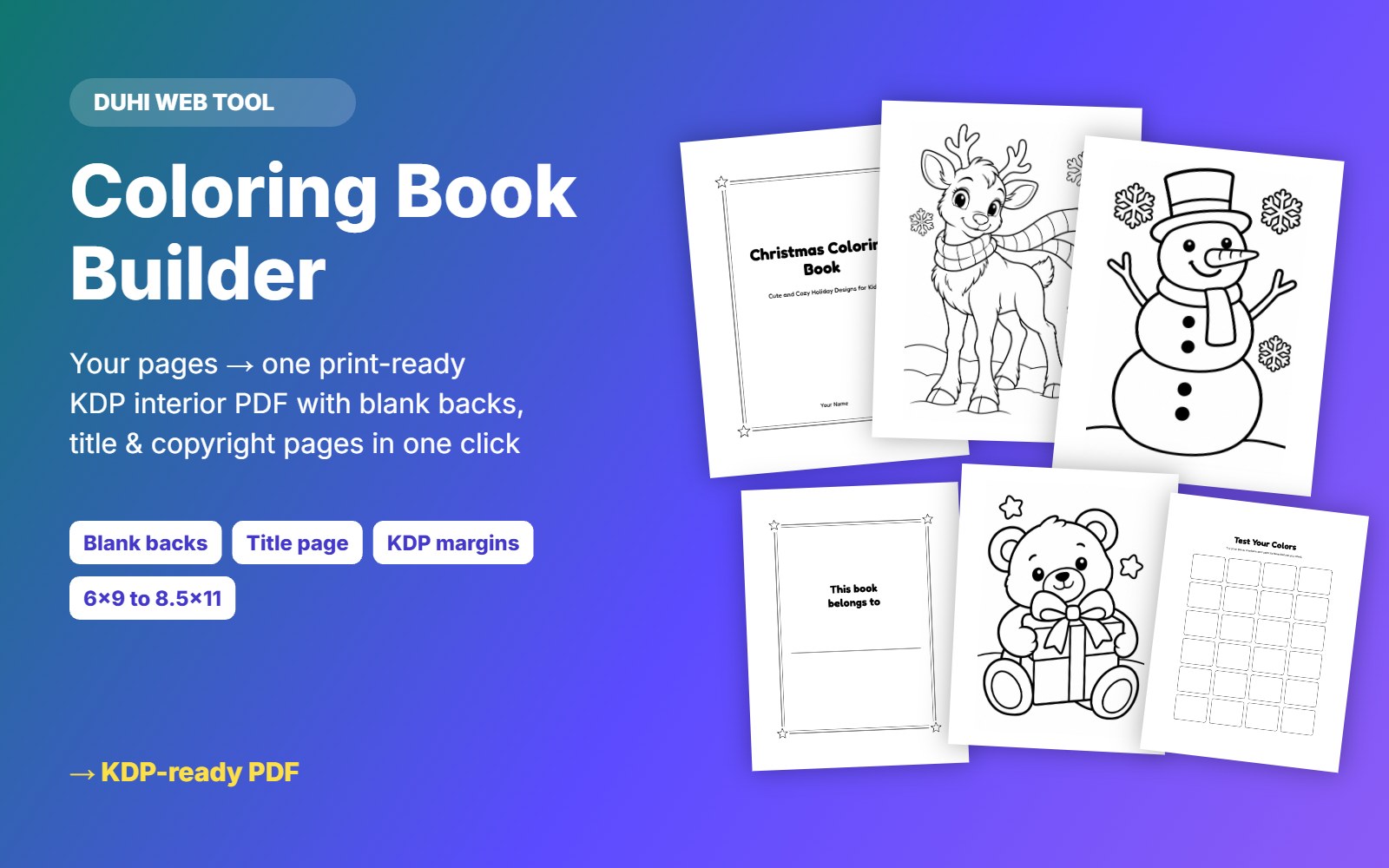
Putting a coloring book together for Amazon KDP usually means fighting with Canva or Word. Coloring Book Builder does it for you in your browser: add your pages, drag them into order, pick the trim size and download one interior PDF that is ready to upload to KDP. It adds a blank page behind every design so markers do not bleed through, plus an optional title page, copyright page, "This book belongs to" page, "Test your colors" page and a thank-you page. It also sets the right inside margin for your page count, adds bleed if you want it, makes sure the book has at least 24 pages, and shows your spine width for the cover.
What you get
- One print-ready interior PDF for Amazon KDP
- Blank page behind every coloring page (optional)
- Title, copyright, "This book belongs to", "Test your colors" and thank-you pages
- Trim sizes 8.5x11, 8x10, 8.5x8.5, 8.25x11, 7x10, 6x9, with or without bleed
- KDP inside margins set automatically for your page count
- Drag and drop to reorder pages
- Shows page count and spine width for your cover
- No fonts to embed: every page is rendered at 300 DPI
- Runs in your browser, your files are never uploaded
Questions
Will KDP accept the PDF?
It is built to KDP interior specs (trim size, margins, minimum 24 pages, optional bleed). Always check the KDP previewer before publishing.
What images should I use?
Black-and-white pages at 300 DPI. Clean AI pages first with Coloring Page Cleaner.
Is it included in the membership?
Yes. All-Access members can use every Duhi tool at no extra cost.